How it works
The whole manual. Your creature also prints its own instructions — this is here for when the sticker's already on the fridge.
01 · setup
Day one:
plug it in.
That's genuinely step one and almost the whole list. The moment it has power, your StickyFax wakes up, plays its little chime, and prints you a sticker with instructions. Follow the sticker. It knows what it's doing.
the recap, for the curious
- Fresh out of the box, your creature makes its own wifi network with a name like StickyFax-Capybara. Join it from your phone.
- A friendly page pops up and asks for two things: your home wifi (so it can get online) and a name (so friends know whose desk they're writing to — "Dan's Desk," "Grandma's Kitchen").
- It chimes, settles in, and prints its fax address — a link and QR code like stickyfax.com/to/grandmas-kitchen-q7m.
Share that address with people you want faxes from. Done. There is no step four.
02 · sending faxes
How the faxes work.
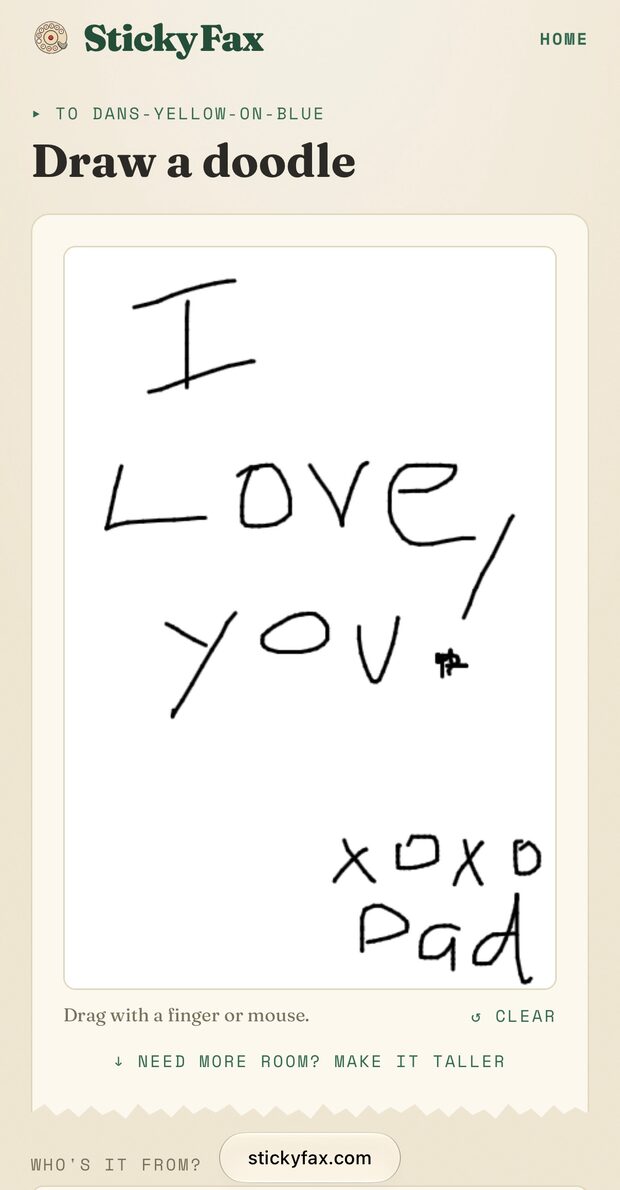
Anyone with your address opens it in whatever browser they already have — phone, tablet, laptop, no app, no account — and sends a note, a doodle, or a photo. Across town or across the country, your desk whirs, and out curls a sticker. Peel it, stick it, smile like an idiot.
It can't send anything back, and that's on purpose. It can't buzz, ping, or interrupt. Nothing to check — something to find.
03 · the button
One button.
Four tricks.
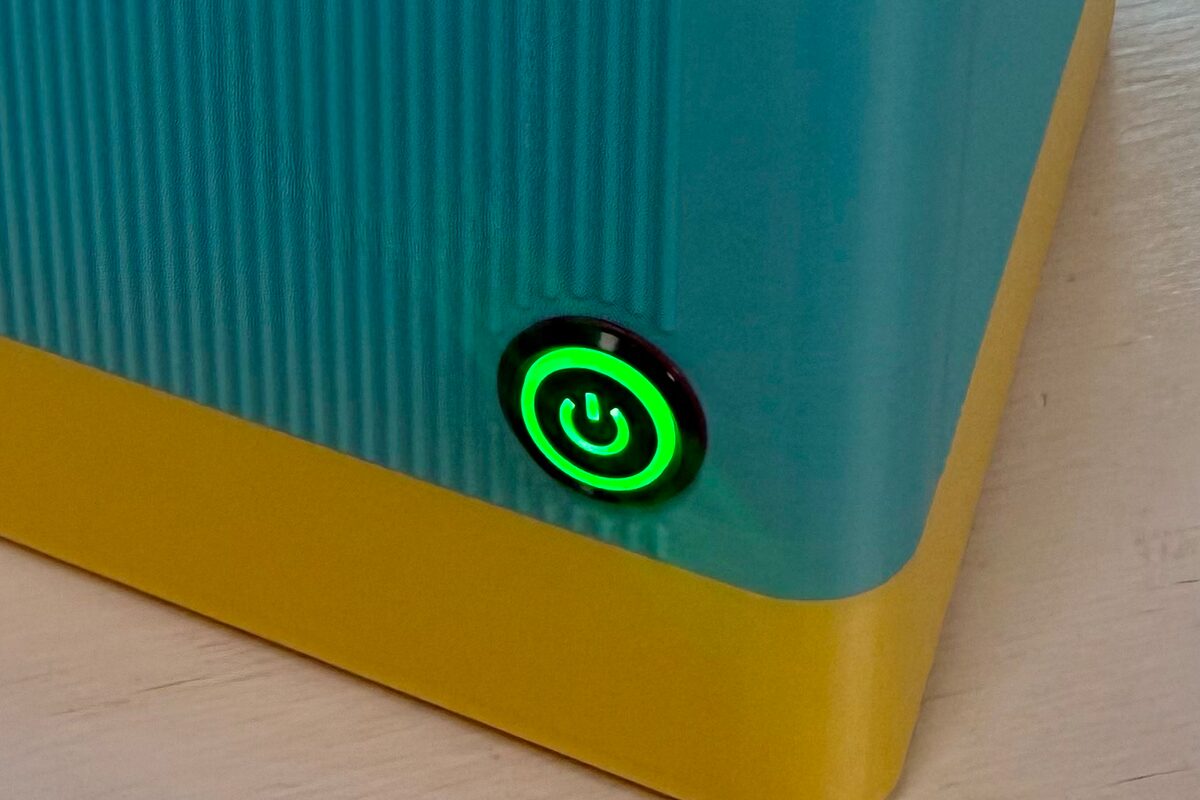
Press it once — fun. It dials a random phone number, beep-boop style, connected to nothing and nobody. It does this because buttons are for pressing.
Press it twice — it reprints the last fax. For when the first copy went on the fridge and your kid wants one for the lunchbox.
Press it three times — it prints a status sticker: your creature's name, the QR code friends scan to send you faxes (share this one freely!), and a private QR code that opens its settings (keep that one to yourself).
Press and hold — factory reset, done safely. Moving house? New wifi? Hold the button and keep holding: your creature counts you down out loud, so you can't do it by accident — just let go to cancel. Held all fifteen seconds, it prints a goodbye slip with a recovery code, forgets the old wifi, and wakes up as a brand-new creature ready for setup. The recovery code brings your old fax address back, so the people who love you never have to update a thing.
04 · loading paper
Feeding it paper.
When a roll runs out, drop in a new one — standard 80mm thermal rolls, no ink, ever. The sticker-backed rolls that make the magic are four for $50 from me; plain receipt paper works in a pinch.
Lid up, roll in, tail out, lid down. No tools, no threading, no menu to find. And anything friends sent while it sat empty was waiting safely the whole time — it curls out seconds after the lid clicks shut.
05 · troubleshooting
When something's off.
A confused creature usually just needs a nap: unplug it, count to five, plug it back in. If your wifi changed, do the press-and-hold reset above and set it up fresh. The Help page decodes every color of the light — live and glowing — plus the whole long-hold countdown. And if it's truly under the weather, that's my department:
Get in touch: hello@stickyfax.com. You'll get me, not a ticket queue.
The guarantee: 100% money-back — you'll love it, and if you don't, I'll make it right. If it ever breaks, same deal. I built it and I stand behind it.